
Remote work has become the new normal, transforming how businesses operate and how employees collaborate. But with this shift comes unique challenges, particularly in managing and securing the devices used by remote teams. That’s where Mobile Device Management (MDM) comes into play, acting as a lifeline for businesses striving to balance flexibility and security.
Curious about how MDM can benefit your remote workforce? Let’s break it down.
What is Mobile Device Management (MDM)?
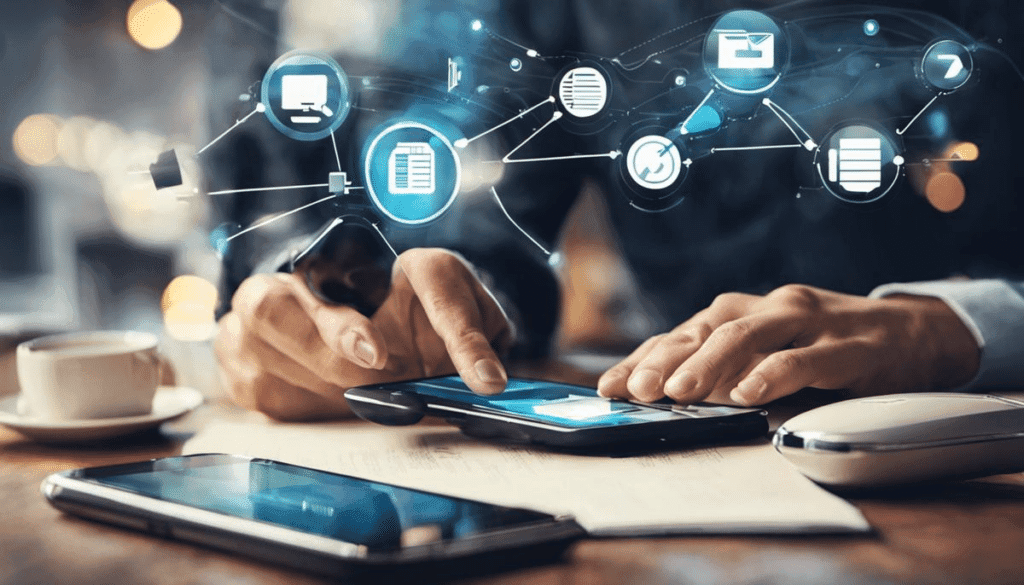
First things first—what exactly is MDM? Think of it as the ultimate toolkit for managing and securing mobile devices, such as smartphones, tablets, and laptops. Through an MDM solution, IT admins can monitor, control, and secure company-owned and even personal devices that employees use for work.
It’s not just about locking down devices—MDM ensures productivity while maintaining a strong layer of protection. Sounds like a win-win, right?
Why is MDM Crucial for Remote Workforces?
Remote workforces thrive on flexibility and connectivity. But this freedom also opens the door to risks like data breaches, unauthorized access, and device loss. Without a robust system to manage these devices, it’s like trying to herd cats. Here’s why MDM is essential:
1. Enhanced Security
The biggest fear for any business is data leaks or cyberattacks. With employees accessing sensitive information from various locations, the chances of a breach skyrocket. MDM solutions act as a security guard, enforcing encryption, remote data wiping, and secure login methods.
Imagine an employee loses their device on a train. Panic sets in, but with MDM, IT can remotely lock the device or wipe its data. Crisis averted!
2. Streamlined Device Management
Gone are the days of manually configuring each device. With MDM, you can:
- Automate software updates.
- Push policies and apps remotely.
- Track device usage in real-time.
Think of it like having a universal remote control for all your employees’ devices. One click, and everything’s in sync.
3. BYOD-Friendly
Many companies embrace Bring Your Own Device (BYOD) policies to cut costs and increase convenience. But this can turn into a security nightmare. MDM ensures that even personal devices meet company security standards without intruding on personal data.
It’s like having a secure, invisible fence for corporate information while keeping the personal stuff private.
4. Improved Productivity
Let’s face it: distractions are everywhere. With MDM, you can control which apps and websites employees can access during work hours. It’s like giving them a gentle nudge to stay focused.
Plus, MDM ensures that essential work apps are easily accessible, reducing downtime caused by tech issues.
5. Regulatory Compliance

Industries like healthcare, finance, and legal have strict regulations for data protection. Non-compliance can lead to hefty fines and reputational damage. MDM helps enforce compliance by ensuring that all devices follow necessary protocols.
Think of it as having a built-in rulebook that keeps you out of trouble.
Key Features of MDM You Should Know
Not all MDM solutions are created equal. Here are some standout features to look for:
1. Remote Monitoring and Management
Keep tabs on all devices from a single dashboard. Whether it’s tracking usage or updating policies, everything’s at your fingertips.
2. App Management
Deploy, update, or remove apps across devices effortlessly. No more “Is this app updated?” chaos.
3. Geofencing
Set virtual boundaries for devices. If a device moves outside a predefined area, you’ll know immediately.
4. Data Encryption
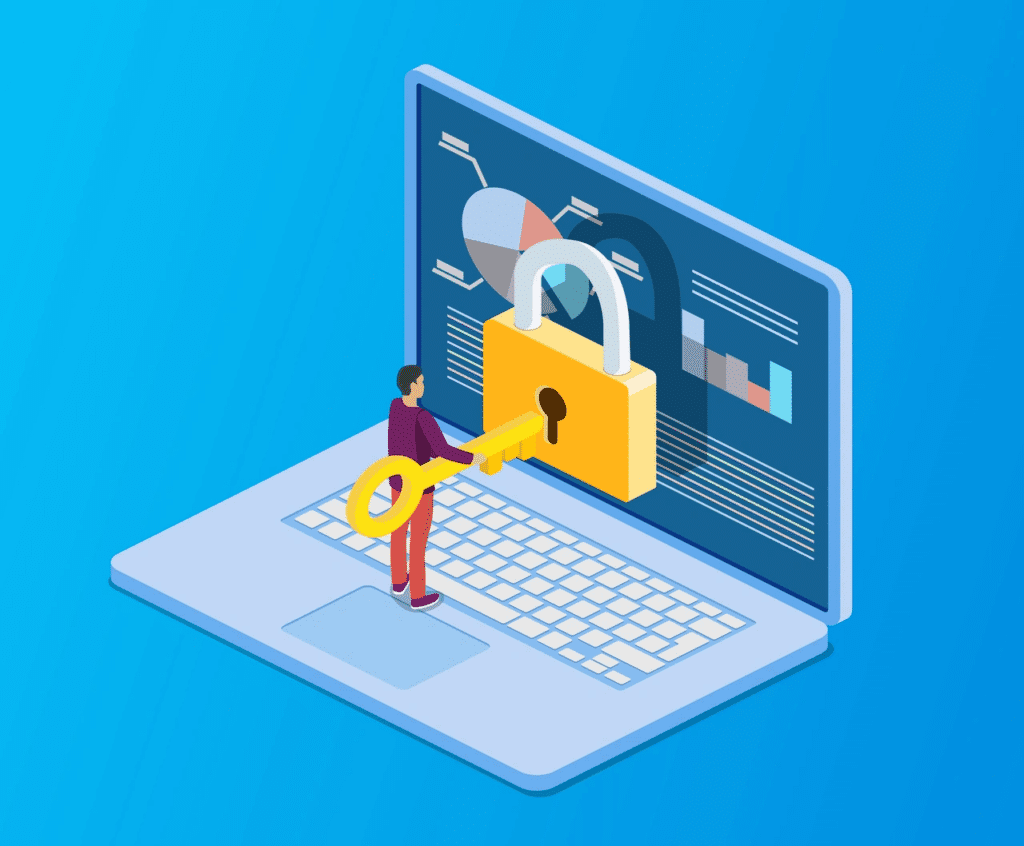
Ensure all data on the device is encrypted. Even if it’s stolen, your information stays safe.
5. Integration Capabilities
Choose an MDM solution that integrates seamlessly with your existing tools, like email servers or collaboration platforms.
Real-World Examples of MDM in Action
Still not convinced? Let’s look at how MDM works wonders in real-life scenarios:
- Scenario 1: The Lost Laptop
An employee forgets their laptop in a coffee shop. With MDM, IT instantly locks the device and initiates a location trace. Disaster avoided. - Scenario 2: BYOD Bliss
A company adopts a BYOD policy but faces pushback over privacy concerns. Thanks to MDM, employees’ personal and work data remain separate. Everyone’s happy. - Scenario 3: Compliance Made Easy
A healthcare company struggles to meet data protection regulations. With MDM, all devices are compliant, and audit trails are easily accessible.
How to Choose the Right MDM Solution
Not sure where to start? Here are some tips:
- Scalability: Ensure the solution can grow with your company.
- Ease of Use: A complicated system will only frustrate your IT team.
- Support: Opt for a provider with robust customer support.
- Cost: Compare pricing and features to get the best value.
- Reputation: Check reviews and case studies.
Conclusion
Mobile Device Management is more than just a buzzword; it’s the backbone of a secure and efficient remote workforce. By adopting MDM, you’re not just safeguarding your business—you’re empowering your team to work smarter, not harder.
So, are you ready to take the plunge? Whether you’re a small business or a large enterprise, MDM is your ticket to a hassle-free remote work experience. Reach out to Fibre IT to learn how you can implement the best MDM solution for your needs.
Why wait? Secure your remote workforce today and step confidently into the future!